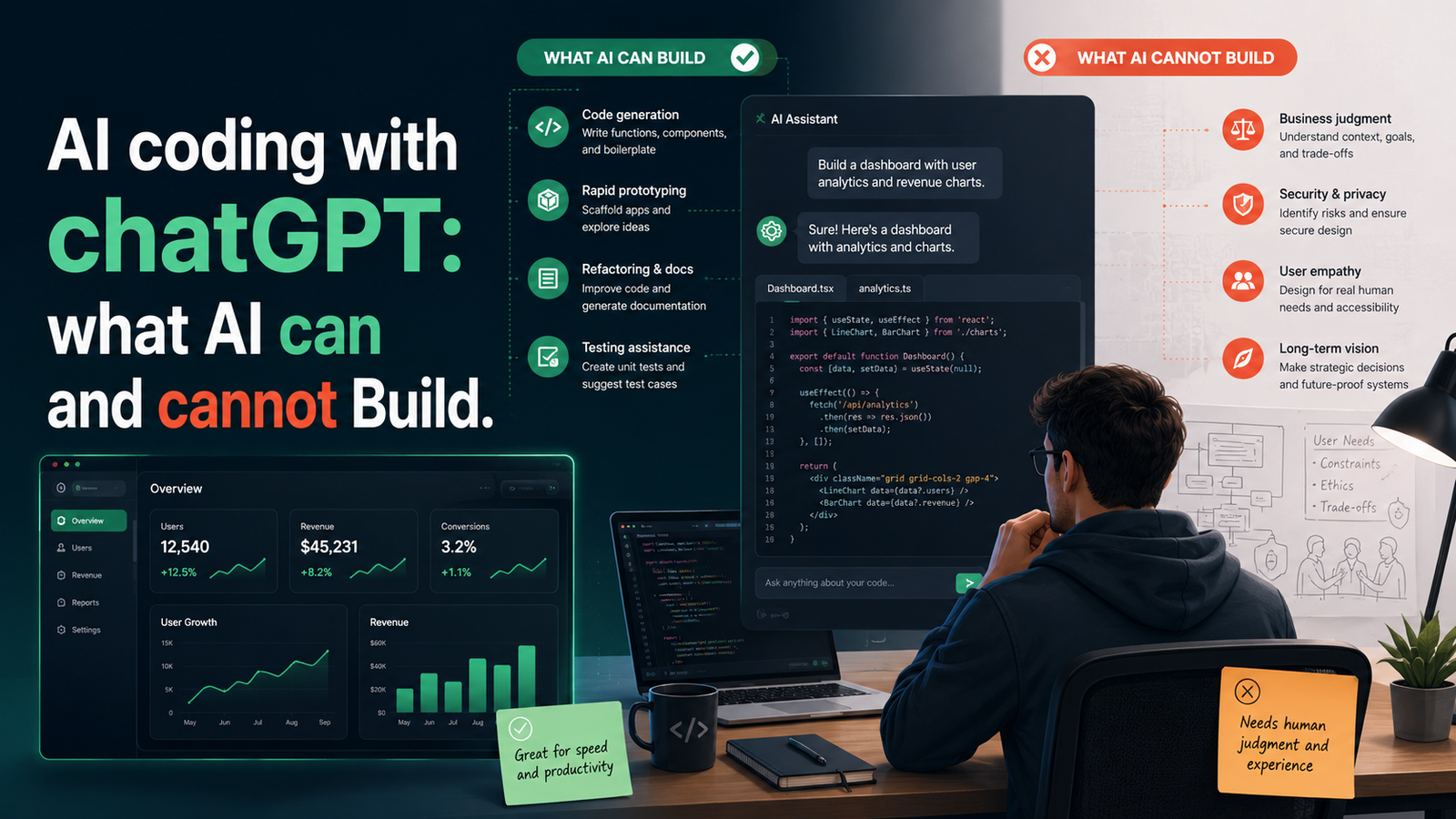
What AI Can and Cannot Write for You
The first mistake most people make is treating AI as either a magic wand or a useless gimmick. The truth is more nuanced: AI is extraordinarily capable at a specific band of coding tasks, and essentially useless at another. Knowing which is which changes everything about how you structure your sessions.
What AI Does Well vs Where It Struggles
| AI Does This Well | AI Struggles Here |
|---|---|
| Boilerplate and repetitive code — CRUD operations, form handlers, config files | Novel business logic specific to your product that has no prior examples |
| UI components from a description — buttons, modals, tables, navigation | Long, multi-file codebases without repeated context — AI forgets earlier decisions |
| API integration code — fetching data, handling responses, error states | Complex state management across many interconnected components |
| Database schema from a brief — tables, relationships, indexes | Performance optimisation for edge cases at production scale |
| Authentication boilerplate — signup, login, JWT, session management | Security architecture for sensitive systems — always requires expert review |
| Unit test scaffolding for well-defined functions | Debugging intermittent or environment-specific errors without full context |
| Refactoring and renaming — restructuring existing code to be cleaner | Making the right product decisions — what to build and why |
| Explaining what existing code does — line by line if needed | Knowing when a feature is unnecessary — AI will build anything you ask |
The Core Principle
Delegate the known, the repetitive, and the structural to AI. Keep the novel, the contextual, and the architectural for yourself. The more clearly you define what you want, the more AI can handle. The less defined the problem, the more you need human judgment first.
Scaffolding a Project Architecture with AI Prompts
One of the highest-leverage uses of AI is at the very beginning — before a single file is created. Using AI to scaffold architecture means generating the skeleton of a project: folder structure, file names, component hierarchy, API routes, and database layout.
The key is to give AI the right level of context at the architecture stage. This is not the moment for vague instructions. The more specific your project brief, the more usable the scaffold output.
Architecture Kickoff Prompt — Template
Example Prompt Structure
I am building a [describe your app] using: – Frontend: [framework] – Backend: [backend service] – Deployment: [hosting] The app has these user roles: [list roles]. Core features: [list features]. Generate: 1. A recommended folder structure 2. A list of the core database tables with column names and types 3. A list of the most important API routes (method + path + purpose) 4. The 5 most important architectural decisions I need to make upfront
Notice what this prompt does: it specifies the stack, the user model, the core features, and asks for four distinct, structured outputs. This is the difference between getting a general overview and getting a concrete starting point you can build from.
After the Scaffold — Do This Before Writing Any Code
Read the AI-generated architecture critically. Ask: Does this make sense for my scale? Do I understand every table and route? If something feels wrong or unnecessarily complex, ask AI to simplify it or explain the trade-offs. The scaffold is a proposal, not a contract.
Using Gemini and ChatGPT for Technical Decisions
Every project involves dozens of technical decisions: Which library should I use? Should I build this feature now or scope it out? Is this architecture going to hold up at scale? With AI, you have a knowledgeable sounding board available at every step.
“Use AI the way a junior engineer uses a senior developer — ask it to reason through the trade-offs, not just give you the answer.”
6 Prompt Patterns for Technical Decisions
| Pattern | When to Use | Template |
|---|---|---|
| Trade-off Analysis | Choosing between two technical approaches where both have merit. | “Compare [Option A] vs [Option B] for [my specific use case]. List pros/cons of each, then recommend one and explain why.” |
| Scalability Check | Before committing to an architecture or data model. | “Here is my current [schema/architecture]. I expect [X users] in 12 months. What will break first and how should I design for it now?” |
| Library Scout | Before installing any new dependency. | “I need to [solve X problem] in a [Next.js] project. What are the top 3 libraries? Compare maintenance status, bundle size, and ease of use.” |
| Scope Validator | When a feature request needs a reality check. | “I want to add [feature X]. What is the minimum viable implementation? What complexity am I taking on?” |
| Security Audit | After writing any API route or auth logic. | “Review this [API route] for security vulnerabilities. What could a malicious user exploit? List issues by severity and suggest fixes.” |
| Second Opinion | When you’ve made a decision but feel uncertain. | “I have decided to [decision X] because [reasoning]. What are the risks I might not have considered?” |
Debugging and Code Review with AI
Debugging is where many vibe coders feel the biggest friction — and where the right AI workflow delivers the most immediate relief. There is a more reliable, systematic approach than just pasting an error message and hoping for a fix.
The AI-Assisted Debugging Flow — 5 Steps
| Step | Action | Why It Matters |
|---|---|---|
| 1 | Reproduce the error reliably first | A bug you can’t reproduce is a bug you can’t describe — and a bug you can’t describe is a bug AI can’t help you fix. |
| 2 | Give AI the full error context, not just the message | Paste the full error stack trace, the relevant code, what it should do, and what it actually does. |
| 3 | Ask for an explanation before a fix | Prompt: “Explain what is causing this error before giving me a fix.” Understanding the root cause means you’ll recognise the same pattern elsewhere. |
| 4 | Apply the fix in isolation and test immediately | Don’t apply multiple AI-suggested fixes at once. Apply one change, test, confirm it works, then move on. |
| 5 | Ask for a code review once the feature works | Prompt: “Review this code for readability, edge cases, and potential bugs I haven’t encountered yet.” |
Strong Debug Prompt Template
Language/Framework: [e.g. Next.js 14, TypeScript, Supabase] What the code is supposed to do: [Describe expected behaviour] What it actually does: [Describe actual behaviour] Error message (if any): [Paste full stack trace] Relevant code: [Paste the function/component] What I have already tried: [List attempts so far]
Managing, Understanding, and Owning AI-Generated Code
It is entirely possible to ship a product built largely with AI-generated code and not understand how half of it works. For an MVP, that’s acceptable. For a product you’ll maintain and iterate on, it is a significant liability.
“You are responsible for every line of code in your codebase — whether you wrote it or an AI did. ‘The AI wrote it’ is not an explanation when something breaks.”
Read every code block before accepting it. Even if you don’t understand every line, reading forces you to ask questions about what you don’t understand.
Ask “explain this to me” until you get it. Any time AI generates a pattern you haven’t seen before, ask: “Explain what this does, line by line, in plain English.”
Delete everything that isn’t necessary. AI generates code generously — more than you need. Actively remove what isn’t needed.
Comment the non-obvious parts in your own words. Writing a comment in your own words forces comprehension.
Maintain a living architecture document. A simple markdown file describing main components and key decisions is your mental map through the codebase.
Best Practices for the Human-AI Development Partnership
Six principles that tie the whole partnership together — the underlying mindset that makes every other technique work.
| Principle | What It Means in Practice |
|---|---|
| 01 • Context is everything | AI knows nothing about your project unless you tell it. The more context you provide — stack, constraints, user model, existing decisions — the better every output becomes. |
| 02 • Small prompts, fast loops | Don’t ask for large chunks of code in one prompt. Break the build into small, testable units. Prompt, get output, test, fix, prompt again. |
| 03 • Test before you trust | No AI output goes untested. Every function, every route, every component gets run against real inputs. “It looks right” is not the same as “it works right.” |
| 04 • Document your prompts | Keep a prompt log for each project. The prompts that produced the most useful code are a project asset as valuable as the code itself. |
| 05 • You set the standards | If you want consistent naming conventions, a specific code style, or particular patterns, say so in your system prompt or at the start of every session. |
| 06 • Know when not to use AI | Some problems are better solved by reading documentation or thinking through logic on paper. Recognising when AI adds noise rather than signal is a sign of maturity. |
“The most productive vibe coders aren’t the ones who use AI the most. They’re the ones who know exactly when to use it — and what to do with it when they do.”